• IT Solutions
    • Modern Workplace
      • Overview
      • Clients & Devices
      • Printing as a service
      • Document management systems
      • Video conference room solutions & room booking systems
      • Digital Signage
      • Workspace Management
      • Remote Working
      • Unified Communication
      • Microsoft 365
    • Data Center & Cloud
      • Cloud migration
      • Data Center & Hybrid IT
      • Network & network security
      • Backup & Disaster Recovery
      • Virtualization solutions
      • Data Center Services
    • IT Security
      • Overview
      • Consulting
      • Cyber Notfallmanagement
      • Cyber Security
      • Security as a service
      • NIS2
      • Cyber emergency call
      • Managed Detection and Response
    • Green IT
      • Overview
      • Green IT in companies
      • Green IT and IT-HAUS
      • Ecovadis
      • UN Global Compact
      • Science Based Targets initiative
      • "Print "Green
      • Planet Tree
      • Bee4IT
    • Anything as a service
      • What is XaaS?
      • my.it-haus.com
      • Device as a service
      • Printing as a service
      • Infrastructure as a Service
      • Security as a service
    • Servicekatalog
    • Branchenlösungen im Überblick

      Kleine bis mittelständische Unternehmen & Gehobener Mittelstand und Großkonzerne

      Healthcare ・ Öffentliche Verwaltung ・ Retail & Point of Sale

    • Profitieren Sie von Managed Services by IT-HAUS

      Entdecken Sie unsere Managed Services – alles aus einer Hand, basierend auf Best Practices und höchster Expertise.

      Servicekatalog

    • IT-HAUS Dienstleistungen im Überblick

      Maßgeschneiderte IT-Lösungen für effiziente und reibungslose Geschäftsabläufe.

      Servicekatalog „Professional Services“

  • IT-HAUS GmbH
        • About IT-HAUS
        • IT-HAUS GmbH is one of the leading IT system houses in Germany. As a provider of national and international IT solutions and services, we offer you comprehensive full-service concepts from a single source.

          Learn more

        • Mission statement and goals
        • We, IT-HAUS GmbH , see ourselves as a reliable and comprehensive partner for companies in all sectors and with the most diverse demands and requirements.

          Learn more

        • Partnerships
        • Our partners are our top priority, because success only works together. Our association with renowned manufacturers and brand providers is your advantage. We want to be your partner to support you and make your IT fit for the future.

          Learn more

        • Newsroom
        • We would be happy to inform you about our services, our corporate strategy and the values that our company represents. You can also access digital assets and information in our download center.

          Learn more

  • Career
        • Overview
        • Learn more

        • Professionals
        • Discover jobs

        • Young Professionals
        • Discover jobs

        • Education
        • Discover apprenticeships

  • Events
  • Stores
        • my.it-haus.com
        • Our new XaaS platform my.IT-HAUS.com combines the complete Anything as a Service offering of IT-HAUS GmbH for you under one roof.

          Learn more

        • B2B store
        • Your B2B online store for hardware and software - uncomplicated IT procurement from Germany.

          Learn more

        • eProcurement Solutions
        • e-Procurement solutions make procurement in the B2B environment much easier.

          Learn more

  • Contact
        • Contact record
          • info@it-haus.com
          • +49 6502 9208-0
          • Contact form
          • Complaint
          • To the support center
        • Address
        • Head office Germany

          Europa-Allee 26/28
          54343 Föhren

        • Opening hours

          Monday - Friday
          08.00 - 17.00

Productivity & Applications

Use the full potential that Microsoft 365 offers you

We help you to keep track of Overview

  • Start
  • Modern Work
  • Secure Remote Work
  • Business Applications
  • Microsoft 365 at a glance
  • Microsoft Copilot
  • Project approach
  • References
  • Online events

Microsoft Office has been an integral part of the modern working world for more than two decades. However, companies today have completely different requirements than they did 20 years ago:


They want to become more innovative and benefit from new functionalities as quickly as possible, rather than having to wait years for the next upgrade.

They have recognized that a modern working environment has long since included not only the classic Office applications such as Word, Excel or PowerPoint, but also solutions that enable collaborative work on these documents in real time.

Against the backdrop of location-independent and mobile working, the topic of IT security (securing user accounts, managing end devices, restricting access to data) is becoming increasingly important.

Microsoft 365 offers answers to all these challenges. IT-HAUS helps you to gain an overview of the multitude of applications and services.

Overview lost? We advise you on all aspects of Microsoft 365

Would you like to improve collaboration in your company and don't know how or where to start?

IT-HAUS GmbH offers you practical workshops on various key topics. We will show you what modern teamwork with Microsoft 365 can look like in your company and how you can combine the various tools to make your employees more productive.

As a Microsoft solution partner for Modern Work and Cloud Solution Provider (CSP), we maintain a close and trusted working relationship with the leading software and hardware provider. We have multiple certifications and support you from specialist consulting to technical implementation and a wide range of services.

Our experts will be happy to advise you on all questions relating to subscriptions and software licensing with the Microsoft packages that are right for you. Our employees are also available to you at any time for software asset management.

Would you like to find out more? Contact Contact now

Redefining work - thanks to Microsoft 365 and Microsoft Teams

Chatting, calling, online meetings and real-time collaboration - you can now use all of these functions on site or remotely. As a complete solution, Microsoft 365 combines Microsoft Teams, OneDrive cloud storage and classic Office applications such as Word, Excel and PowerPoint with enhanced security and offers the right version for every budget.

Improved teamwork

Use Microsoft Teams as a central location for online meetings, telephony, file sharing and real-time collaboration.

End devices ready for use more quickly

Use Windows Autopilot to automatically equip your end devices with the right software and configuration after unpacking.

Protect devices

Manage your mobile devices with Microsoft Intune and protect business data when accessing private devices.

Cloud storage

Manage your files from virtually anywhere with 1 TB of OneDrive cloud storage.

IT-HAUS helps you to keep Overview on top of the multitude of tools and services.
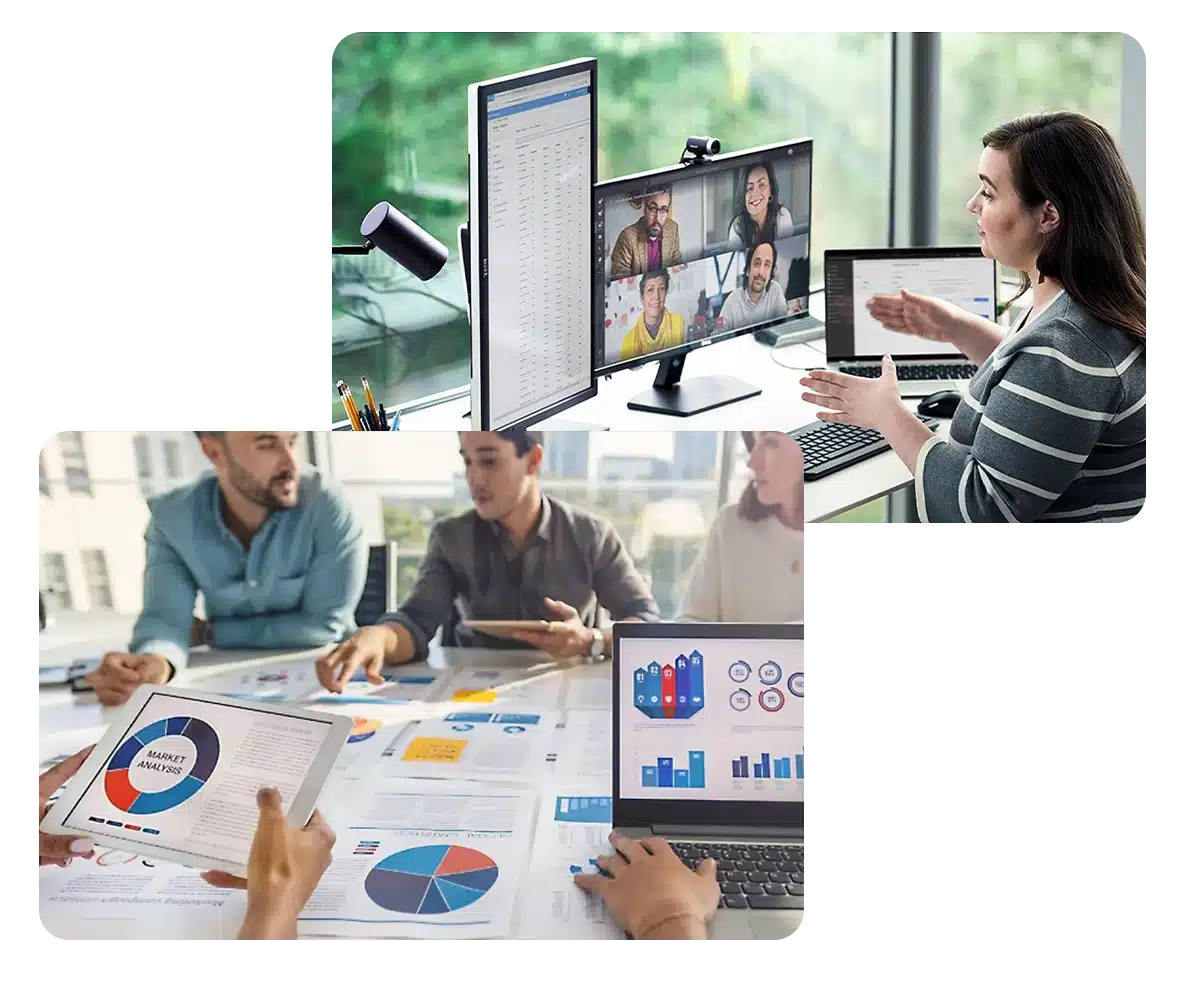
Overview

Microsoft tools and apps for the modern working world

Microsoft solutions are designed to make work more productive, more efficient and more secure - for you, your employees and the entire company.
Microsoft Access
Q
Microsoft Access

You can create and manage your own database applications with Access. You do not need to have any programming knowledge. The databases can be created both as apps for the PC and as applications for the browser and can also be assigned to individual employees.

App for Enterprise

Microsoft Access

Microsoft Active Directory
Q

Microsoft Active Directory

Active Directory (AD) is a directory service in the Windows network that provides all functions with which the resources of the network can be organized, managed and controlled. This includes everything in the network (users, PCs, notebooks, printers, etc.). All resources can be easily accessed and managed within this database.

Task management

Microsoft Active Directory

Microsoft Bookings
Q

Microsoft Bookings

Bookings is an application with which small and medium-sized companies can offer online appointment scheduling. Appointments can be booked, postponed or canceled at any time. Bookings offers various options to meet different requirements (internal or external) via the layout, e.g. several Bookings calendars can be created and used.

Bookings also allows online services to be offered via Skype for Business and Microsoft Teams. Booking is available as an app in Teams so that calendars can be created and managed directly from Teams.

E-Mail & Calendar

Microsoft Bookings

Microsoft Delve
Q

Microsoft Delve

This somewhat lesser-known Office365 application provides an overview on its user interface of which documents other people in the organization are currently working on. Delve initially displays information from emails, document libraries and SharePoint Online clearly on a flipboard. It is also possible to search for people, documents or boards and establish a connection for collaboration with others. In general, Delve offers many options for discovering and organizing information and documents throughout Office365. For example, a document can be marked as a favorite or added to a board to make it easier to access it later.

Data storage & sharing | Search & discover

Microsoft Delve
Microsoft Excel
Q

Microsoft Excel

A well-known app that has been an integral part of everyday office life for decades. It enables the creation of tables, diagrams, surveys and calculations, as well as the filtering of tables. Workbooks can be shared, which in turn makes it possible to work on the same file at the same time.

App for Enterprise

Microsoft Excel

Microsoft Exchange Online
Q

Microsoft Exchange Online

With Exchange Online, you can manage your emails or calendars quickly and reliably - even outside your company. This enables you to always have access to your current accounts, even when you are on the move. Simple and secure.

E-Mail & Calendar

Microsoft Exchange Online

Microsoft Forms
Q

Microsoft Forms

This useful application can be used to create surveys, quizzes or questionnaires, then invite people to complete them and simply display the results once they have been received. Thanks to the integrated analysis function, it is also possible to evaluate the results. These can then be exported to Excel, for example.

App for Enterprise

Microsoft Forms

Microsoft Intune
Q

Microsoft Intune

Microsoft Intune is a cloud-based service that supports the productivity of your employees and protects your company data at the same time. You manage all PCs, notebooks or mobile devices for the entire company centrally via a dashboard and can make your individual security settings.

Task management

Microsoft Intune

Microsoft Lists
Q

Microsoft Lists

Individual lists make it easy to organize events, subject areas, resources and much more. Either for yourself or for the whole team. This allows you to keep track of current to-do's and deadlines in projects.

Task management | Teamwork

Microsoft Lists

Microsoft MyAnalytics
Q

Microsoft MyAnalytics

With this application, Microsoft has created a "fitness tracker" for the world of work. It analyzes how you work and summarizes the results in a dashboard. Divided into the four core areas of focus, well-being, network and collaboration, your work behavior is presented and you also receive tips on how you can work even more effectively. Nobody can see this analysis except you - unless you actively share it with someone else.

Analysis & evaluation

Microsoft MyAnalytics

Microsoft OneDrive
Q

Microsoft OneDrive

This wonderful Office 365 tool is actually so much more than a tool. It functions more as a platform in the background or as a virtual space in which documents can be created, shared and edited together. These documents are stored in the cloud and can be accessed from anywhere via Office 365 access. OneDrive can be used via a browser or integrated into the local Explorer. This makes it even easier to store documents centrally and securely. OneDrive also supports more than 270 file types.

Data storage & sharing

Microsoft OneDrive
Microsoft OneNote
Q

Microsoft OneNote

Another app in the Office 365 family that, in my opinion, still receives far too little attention. Because it has long since become an integral part of my everyday working life. OneNote is a digital notebook that can be expanded at will with sections and pages. Not only text, but also graphics, images, lists and multimedia content can be inserted and conveniently managed. If content from websites is copied and pasted, a timestamp and the relevant link are automatically added. Furthermore, PDF files can be edited and saved and OneNote even recognizes the text of scanned book pages or magazine articles so that they can be easily searched for. Super practical: The notebooks can be shared with others and edited together. Your OneNote can therefore be used as an all-rounder for organizing all content and is stored in the cloud. This means it can be accessed from anywhere and nothing gets lost. Best of all, OneNote is available to download free of charge, even without an Office 365 package.

App for Enterprise | Teamwork

Microsoft OneNote

Microsoft Planner
Q

Microsoft Planner

The Planner app is another tool that is an integral part of my day-to-day work. This app makes it easy to create plans and tasks, add a description and checkpoints and assign them to the relevant people. Priorities can also be assigned and the processing status updated. Its integration with Microsoft Teams makes collaboration and task distribution even more efficient, as teams can be formed for the relevant plans and tasks and then tasks and progress can be discussed directly in chats.

Teamwork

Microsoft Planner

Microsoft PowerApps
Q

Microsoft PowerApps

With this Office application, you can create, extend and customize business apps without programming knowledge. It can also be used to adapt Office 365, Dynamics 365 and SharepointOnline to individual requirements. Thanks to a large selection of templates, apps can be created with just a few clicks. There are also a large number of extension options available, although these are designed more for experienced developers.

Business process automation

Microsoft PowerApps

Microsoft PowerAutomate
Q

Microsoft PowerAutomate

This application is already known to many under the former name Flow. Microsoft Power Automate is the tool with which even simple users can create workflows and simplify their day-to-day work. You select one of the many ready-made templates and can adapt it to your own requirements with just a few clicks. This allows you to model business processes across connected data sources and services.

Business process automation

Microsoft PowerAutomate

Microsoft PowerBi
Q

Microsoft PowerBi

This intelligent analytic tool can collect data from disconnected sources in seconds, analyze it and visualize it in a remarkable way. The content created can then be shared on dashboards at will. This turns scattered data into meaningful interactive business insights.

Analysis & evaluation

Microsoft PowerBi
Microsoft PowerPoint
Q

Microsoft PowerPoint

With this practical and well-known app, you can create, share and edit presentations together with others. The presentations can contain images and videos and you have a wide range of design options at your disposal. For example, animations and transitions, but also design templates, shapes and graphics.

App for Enterprise

Microsoft PowerPoint
Microsoft SharePoint Online
Q

Microsoft SharePoint Online

Again, this is less of a classic app and more of a large, modifiable platform. SharePoint Online can be used to create and edit intranet websites, pages, document libraries and lists. You can add web parts to customize the content or display important visual elements, news and updates on a team or communication website. It is possible to search for and follow websites, files and people in the company. Daily routine tasks can also be managed with workflows, lists and forms. Your own files are stored in the cloud so that everyone can work together securely. SharePoint Online is extremely versatile and adaptable and can be tailored to any organization and its users.

Data storage & sharing | Business process automation | Intranet | Search & discover

Microsoft SharePoint Online

Microsoft Stream
Q

Microsoft Stream

This app from the Office 365 family allows you to securely create, discover and share videos within an organization. Thanks to intelligent search functions, you can quickly find the right content and the intuitive sharing of videos via common browsers and apps enables simple and productive interactions. This makes it easy for remote teams to stay connected.

Social networks

Microsoft Stream

Microsoft Sway
Q

Microsoft Sway

It is an application with which interactive reports, personal stories and presentations can be easily created and shared. After inserting text and images, Sway automatically creates a customized design. This means that it is not always necessary to use the same templates. If the design does not meet your expectations, it can be edited as required or a different design template can be selected.

App for Enterprise

Microsoft Sway
Microsoft Teams
Q

Microsoft Teams

Teams is a group chat software that serves as the basis for team collaboration. Many applications and functions of the Office 365 family are also available here. OneNote, Skype for Business, PowerBI and SharePoint, but also notifications from Twitter, for example, can be integrated into Microsoft Teams. It therefore also acts as a central control and organization platform for all common Office apps. We have given the interesting and up-and-coming Office application a closer look on our Microsoft Teams page a whole series of interesting articles and short tutorials.

Task management | Online meeting | Teamwork

Microsoft Teams

Microsoft To Do
Q

Microsoft To Do

This app can be used to create lists such as "my day" with tasks, where you can choose from suggestions. The tasks can be specified with due dates, times and other notes. It is also possible to synchronize the to-dos with Outlook.

Task management | e-mail & calendar

Microsoft To Do
Microsoft Visio
Q

Microsoft Visio

Easily design easy-to-understand diagrams. You will find a large selection of ready-made templates, start diagrams and stencils in the Visio applications for the desktop and the web.

App for Enterprise

Microsoft Visio

Microsoft Whiteboard
Q

Microsoft Whiteboard

Previously, this app was only available to Surface users, but that has now changed and it is now available to all Windows users as a single-user version and for license users as a collaborative version. The app provides a digital whiteboard on which you can collect ideas and create images or tables alone or together with your team, just like in analog life. Unlike an analogue whiteboard, however, this app offers a number of features, such as "Ink to shape", which recognizes and straightens shapes. Once you have finished your work, you simply save your whiteboard in the cloud and can continue working later from the same or another device. The app is currently only available in English, but other languages will follow.

Online meeting | Teamwork

Microsoft Whiteboard

Microsoft Word
Q

Microsoft Word

With this well-known Office application, documents can be created and then formatted and filled with text, images and page layouts. Documents can be easily shared and edited together with others.

App for Enterprise

Microsoft Word

Microsoft Yammer
Q

Microsoft Yammer

This application was created to talk about work and collaborate with group members. It acts as a bulletin board where documents, links and status updates can be posted. The application facilitates collaboration and cooperation within the organization. It has a different focus to Microsoft Teams, which offers more comprehensive and in-depth functions for daily collaboration. Yammer is ideal for open exchange within a larger organization.

Social networks | Search & discover

Microsoft Yammer

More than a system house

Our project methodology

IT-HAUS is more than just an IT system house. We see ourselves as a comprehensive provider of innovative solutions. We know how important it is to involve your employees in the change process.
We would be happy to inform you personally about our project approach.

Find out more now
Chatting out of the sewing box

Our events

Gain new insights, exchange ideas, discuss: In our free online events for IT decision-makers, we provide you with first-hand information on exciting topics relating to Microsoft 365 and its solutions - innovations, technological developments and practical implementation examples.

Find out more here

Which topics can our Microsoft experts support you with?

Contact us and we will support you on your way to a productive and successful digital future.

Our contacts who specialize in Microsoft 365 and its various solutions will be happy to advise you.

Matthias Bender mbender@it-haus.com 777620005
Head of Competence Center Productivity & Applications
+49 6502 9208-394

Our Microsoft certifications at a glance
IT Solutions

Modern Workplace

Data Center & Cloud

IT Security

Green IT

Anything as a service

Our core markets

Upper midmarket & corporations

Small & medium-sized enterprises

Healthcare

Public administration

Retail & Point of Sale

Hotlinks

Support

Complaint

B2B store

my.it-haus.com

IT-Talk video podcast

IT-HAUS GmbH

About IT-HAUS

Newsroom

Mission statement & goals

Partnerships

Events

25 years IT-HAUS

Career

Overview

Professionals

Young Professionals

Education

Information on

Contact

Newsletter registration

GTC

Data protection

Imprint

  • Consequences
  • Consequences
  • Consequences
  • Consequences
  • Consequences
  • Consequences
  • Consequences
  • Consequences
© 1998 - 2026 IT-HAUS GmbH
Home 9 Productivity and Applications 9 Microsoft 365 at a glance
Contact
w

IT-HAUS Chatbot

✕

You are currently viewing a placeholder content from Default. To access the actual content, click the button below. Please note that doing so will share data with third-party providers.

Unblock content Accept required service and unblock content
More Information
scroll to top ↑