Windows Autopilot
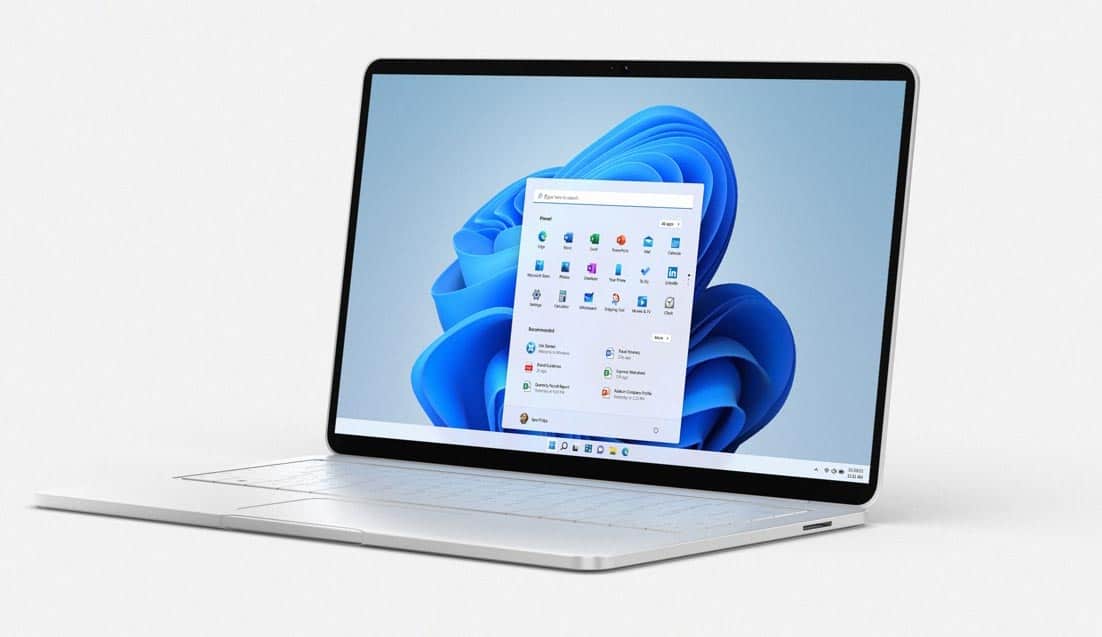
Windows 11 makes it easier than ever to provision end devices.


Unpacking

Log in

Get started
With Windows Autopilot, you don't have to install images or set up devices manually to make them available to end users. Your employees can start working on the familiar user interface as soon as they receive the device and log in for the first time.
The IT department has more time for the essentials
Windows Autopilot requires minimal support from the IT department, as apps, security settings and personal configurations can be quickly and easily transferred to any new device. In addition, IT does not need to maintain special images or drivers for all devices in use. Additional time can be saved by resetting remotely and simply reassigning existing devices.
Into the cloud at your own pace
The centralized, cloud-based device management of Windows Autopilot simplifies digitalization immensely. Devices can also be quickly reset and repaired remotely. And because you always get the latest updates for Windows 10 Pro and Microsoft 365 from the cloud, you are always on the right side.
Enhanced security and comprehensive protection
If a device is lost or stolen, you can access it remotely using Windows Autopilot and Intune to wipe data, block access or restrict user access. Essential security and encryption settings can also be adjusted before first use to ensure that new devices are secure and meet compliance guidelines.
Secure and simple client management with Microsoft Intune
Due to the increased use of home office and remote workstations, it is also important for IT to manage the administration of devices efficiently. Read in our reference how the Hammer Group was able to reduce its administration costs by more than 90 percent - despite corona.

Your employees' devices are ready for use even faster.
Thanks to the simple setup with Windows Autopilot, your employees can immediately start working with devices that have all the apps and applications they need to successfully complete their tasks. What's more, you give your employees the technology they expect from a modern workplace.
A practical report from the SME segment
Effortless appliance replacement - Deutsche Reihenhaus AG renews its appliance fleet with Windows Autopilot - user-friendly and efficient.
"Thanks to the new procurement and implementation concept and the use of Windows Autopilot, we were able to drastically reduce our time and costs. We now only need around 30 minutes per client, whereas previously we had to spend around 5 hours of our resources on this. Another major advantage is the stocking of pre-configured devices at IT-HAUS. The devices are sent directly to our locations on demand and are ready for immediate use without long downtimes."
Would you like individual advice? Please contact our specialists at Contact . Or book our workshop on the topic of Windows Autopilot. Here we will take a practical look at an exemplary commissioning and show you a possible project and schedule for you.
Windows Autopilot - Practical report Enterprise segment
Europe-wide? No problem. Uniper modernizes its client fleet with 10,000 end devices and reduces the effort and costs for deployment, maintenance and repairs. Replacement of 10,000 end devices in seven European countries, and the whole thing as "next business day" as possible
"Thanks to the inventory and refueling process with Windows Autopilot via Windows 11, we were able to speed up the deployment process for the customer enormously. Our procurement and service concept for the "Managed Workplace" was also convincing, enabling us to provide Uniper with optimum support throughout the entire lifecycle management."

Which topics can our Microsoft experts support you with?
Fill out our contact form or call us directly. We look forward to talking to you.
You are currently viewing placeholder content from Microsoft Dynamics Forms. To access the actual content, click the button below. Please note that this will result in data being shared with third parties.
More Information